All projects
Games Experimental MACOS & WINDOWS · 2D ISOMETRIC ADVENTURE
Journey Home
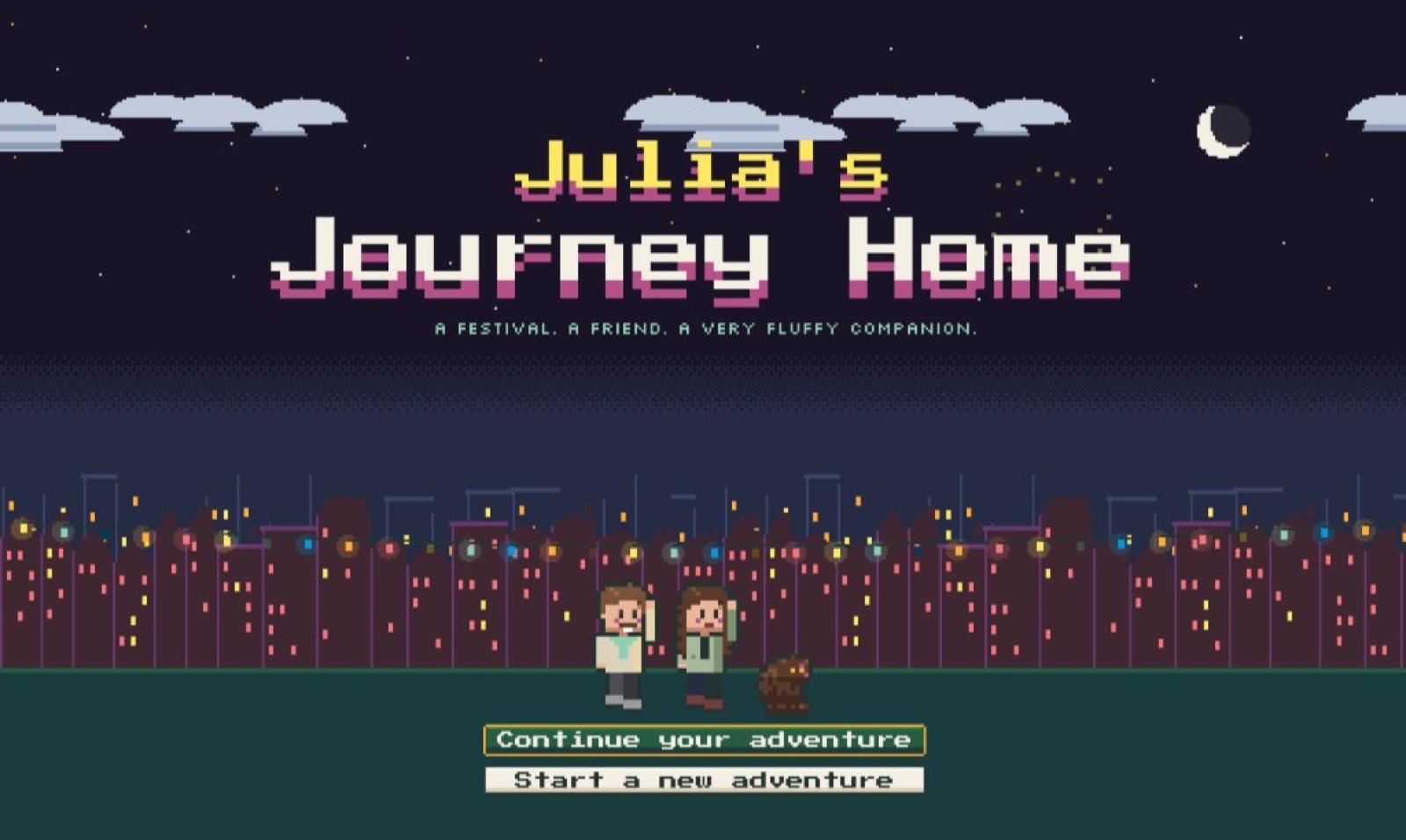
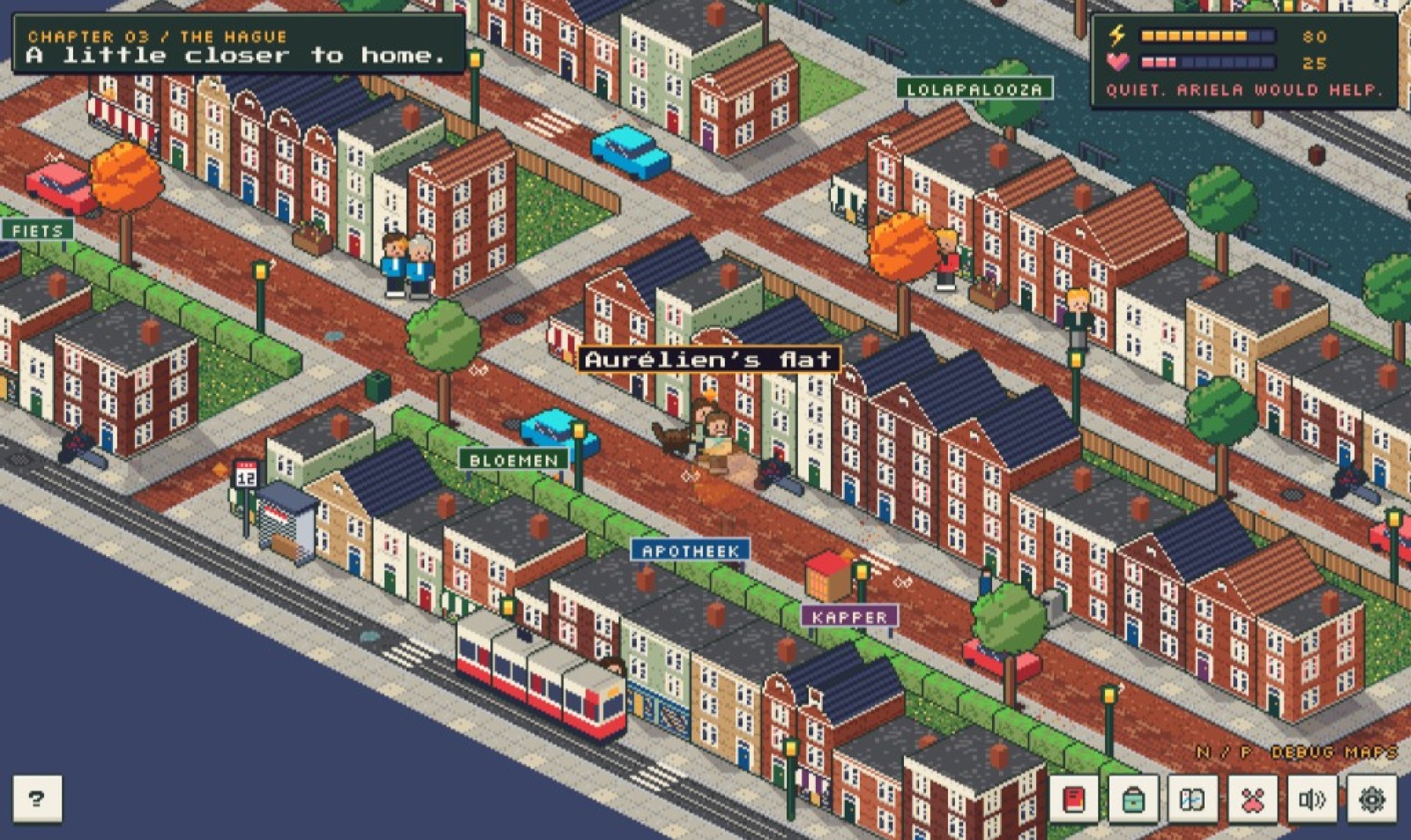
A 2D isometric adventure in the streets of The Hague. It starts on an Amsterdam dance floor, follows a friend home through the rain and ends somewhere much further away.
The adventure
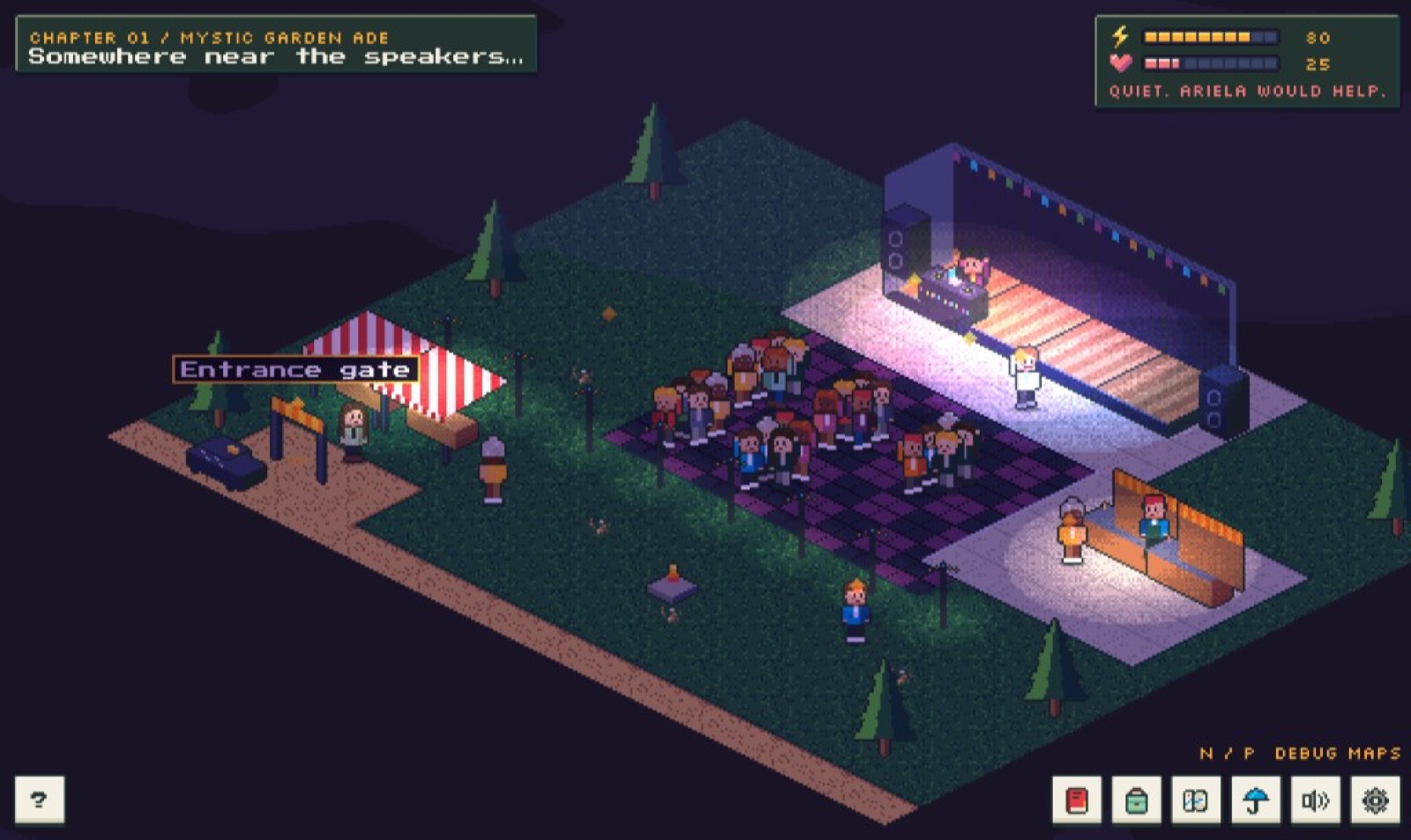
You arrive alone at a night festival and have to find your friend somewhere in the crowd. Dance two rhythm rounds under the stage lights, share a bar break, then head home through the rain to a flat in The Hague, where a very fluffy cat named Ariela joins the journey.
The next day brings shopping and cooking, a card game of Speed, a Bowie trivia round, a lemon puzzle, a timed bike-lane crossing to catch tram 3, and a journey by tram, train and plane to a final surprise.
Good to know
- Available for macOS and Windows. Download links are coming soon.
- Your progress saves on your computer, so you can continue later.
- Sound starts off. Turn it on with the sound button in the game.
- Best played with a keyboard.
How to play
Password
This game was made as a gift and is shared with friends. Enter the password to download it.
Controls
- Arrows / WASD
- Walk (or click a path)
- E / Space
- Interact
- R
- Rest, or cuddle Ariela
- J · B · M
- Scrapbook, bag, places
Requirements
- macOS 13 Ventura or later, or Windows 10 or later
- A keyboard
- No internet connection needed once installed
How to install
- Enter the password, then download the version for your computer.
- On a Mac: open the .dmg and drag the game into Applications. macOS may block the first launch because the app is not notarised. Try opening it once, then go to System Settings › Privacy & Security and click “Open Anyway”.
- On Windows: run the installer. If SmartScreen warns you, click “More info”, then “Run anyway”.
- Only do this for a download you trust.
Screenshots