All projects
Games Experimental macOS app · free
Trivia Night
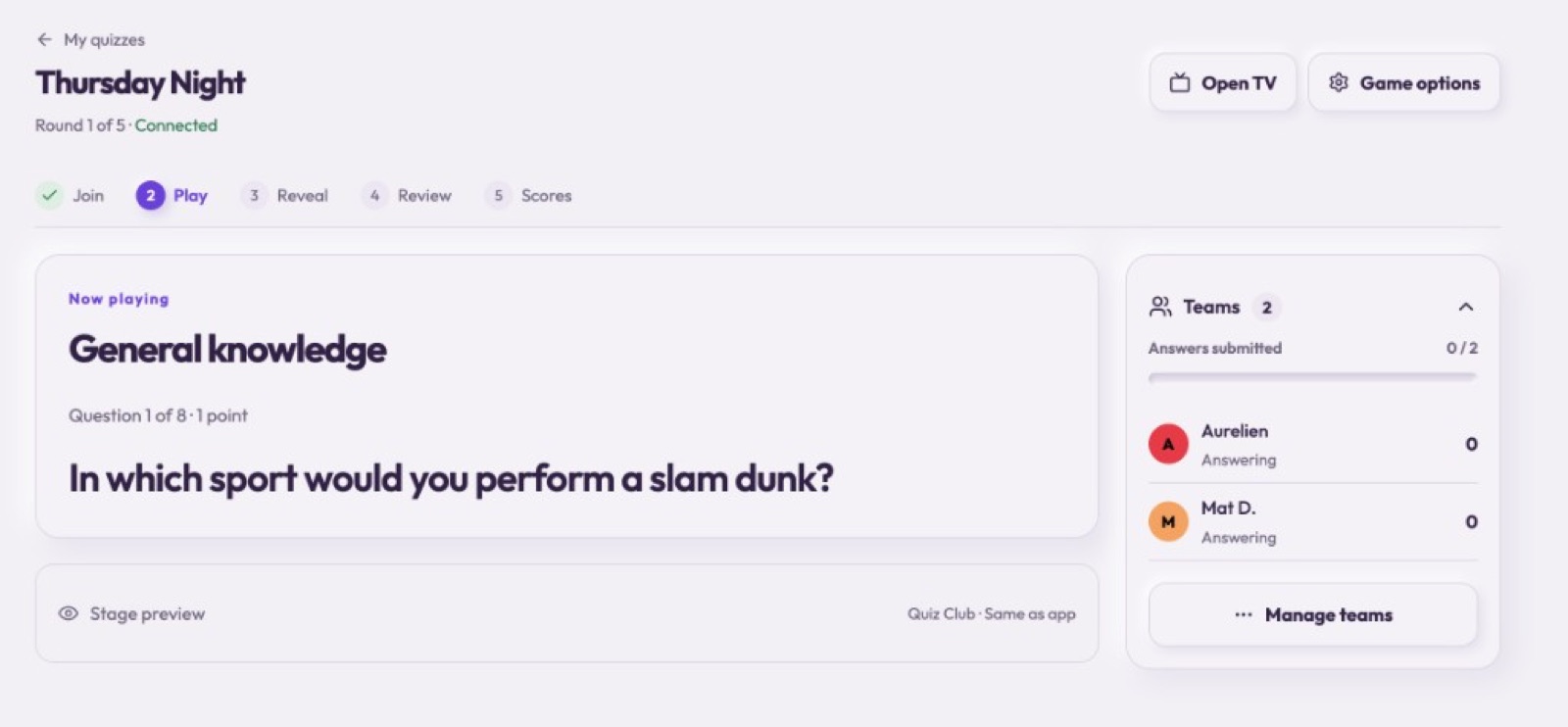
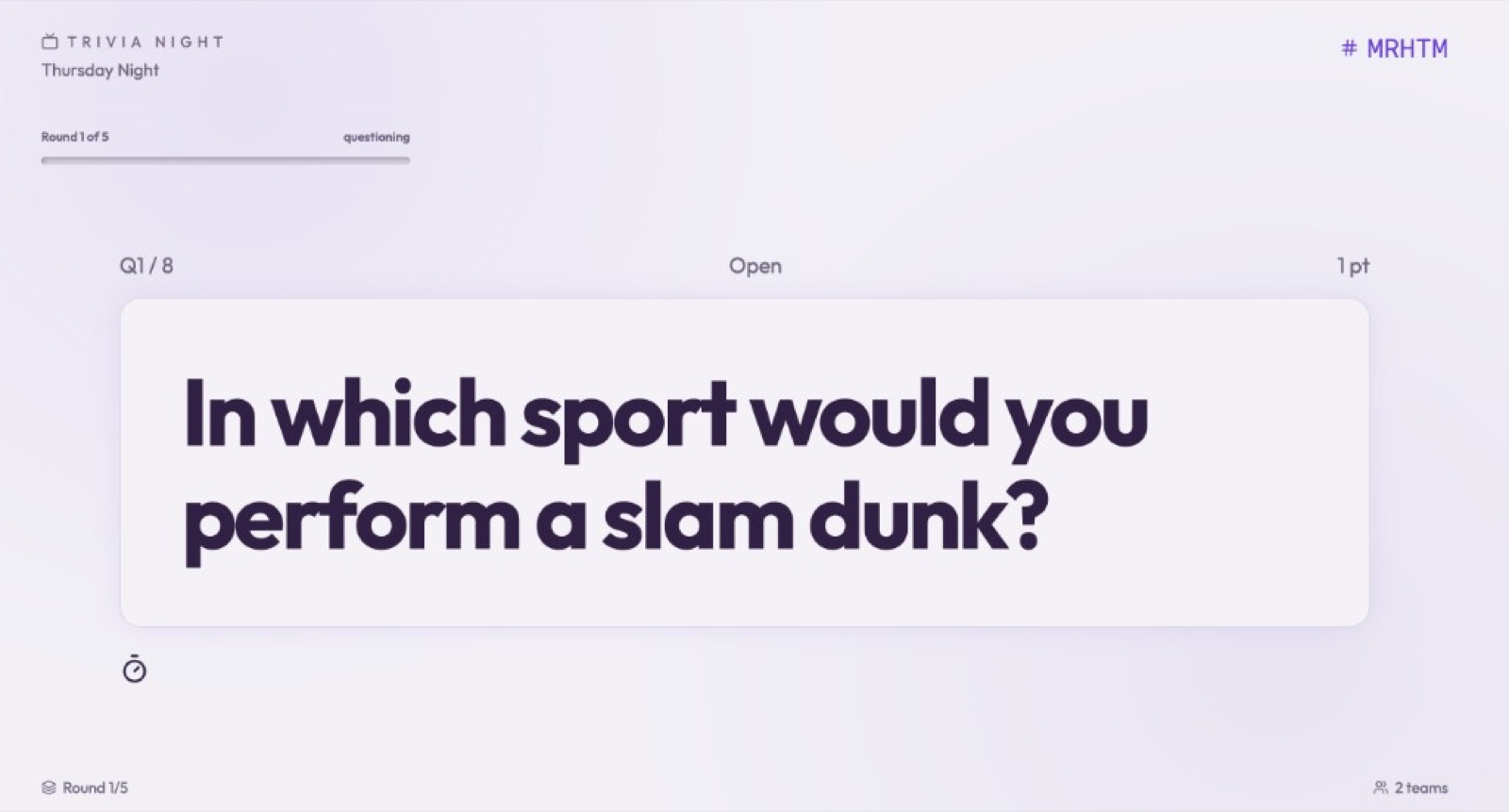
A host-controlled pub quiz for in-person game nights: one laptop to run it, one TV for everyone to watch, and one phone per team to answer. Answers stay locked until the big reveal.
How a game works
- Join: teams scan the QR code on the TV with a phone and enter the room PIN.
- Play: each round has eight questions. Teams type their answers and can edit them until the round is locked.
- Reveal: the host reveals the answers one by one on the TV, for maximum drama.
- Review: typo-tolerant grading marks the answers automatically, and the host can override any of them.
- Scores: the leaderboard appears, then on to the next round.
What’s included
- 200 starter questions and a 24-question example quiz, ready to play offline.
- A quiz editor with image, audio and video questions.
- Question packs you can import, export and share.
- Optional music previews and AI helpers, using your own keys.
Your quizzes and settings stay on your Mac. The download contains no personal library or credentials.
Download and install
Download
Requirements
- macOS 13 Ventura or later
- Apple Silicon or Intel Mac
- Phones and the TV on the same Wi-Fi as the Mac
- No account, Node.js or API key needed
How to install
- Download the .dmg and open it.
- Drag Trivia Night into Applications, then open it from there.
- The app is not notarised by Apple, so macOS may block the first launch. Try opening it once, then go to System Settings › Privacy & Security and click “Open Anyway”. Only do this for a download you trust, and never disable Gatekeeper.
- Allow local-network access when asked, so phones on the same Wi-Fi can join with the room QR code.